Publisher: Xen Bilişim | Published: May 2026 | Reading Time: 6 min
Summary: Microsoft 365 Copilot is a generative AI assistant with the potential to boost enterprise productivity by 30-70%. But unlocking that value requires meeting specific IT prerequisites: correct licensing, strong identity hygiene, data classification, security controls, and a clear governance model. This guide walks through everything you need to do before rolling out Copilot.
What Is Microsoft 365 Copilot, and What Problem Does It Solve?

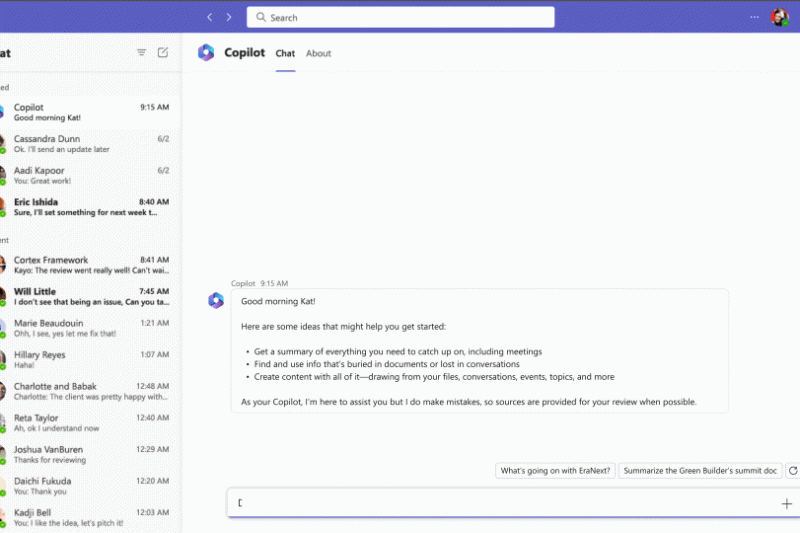
Microsoft 365 Copilot is a generative AI assistant embedded directly into Word, Excel, PowerPoint, Outlook, Teams, and OneNote. It uses GPT-4 and accesses your organization's data through Microsoft Graph (emails, documents, calendar, chats) to produce contextual, business-relevant answers.
Typical use cases:
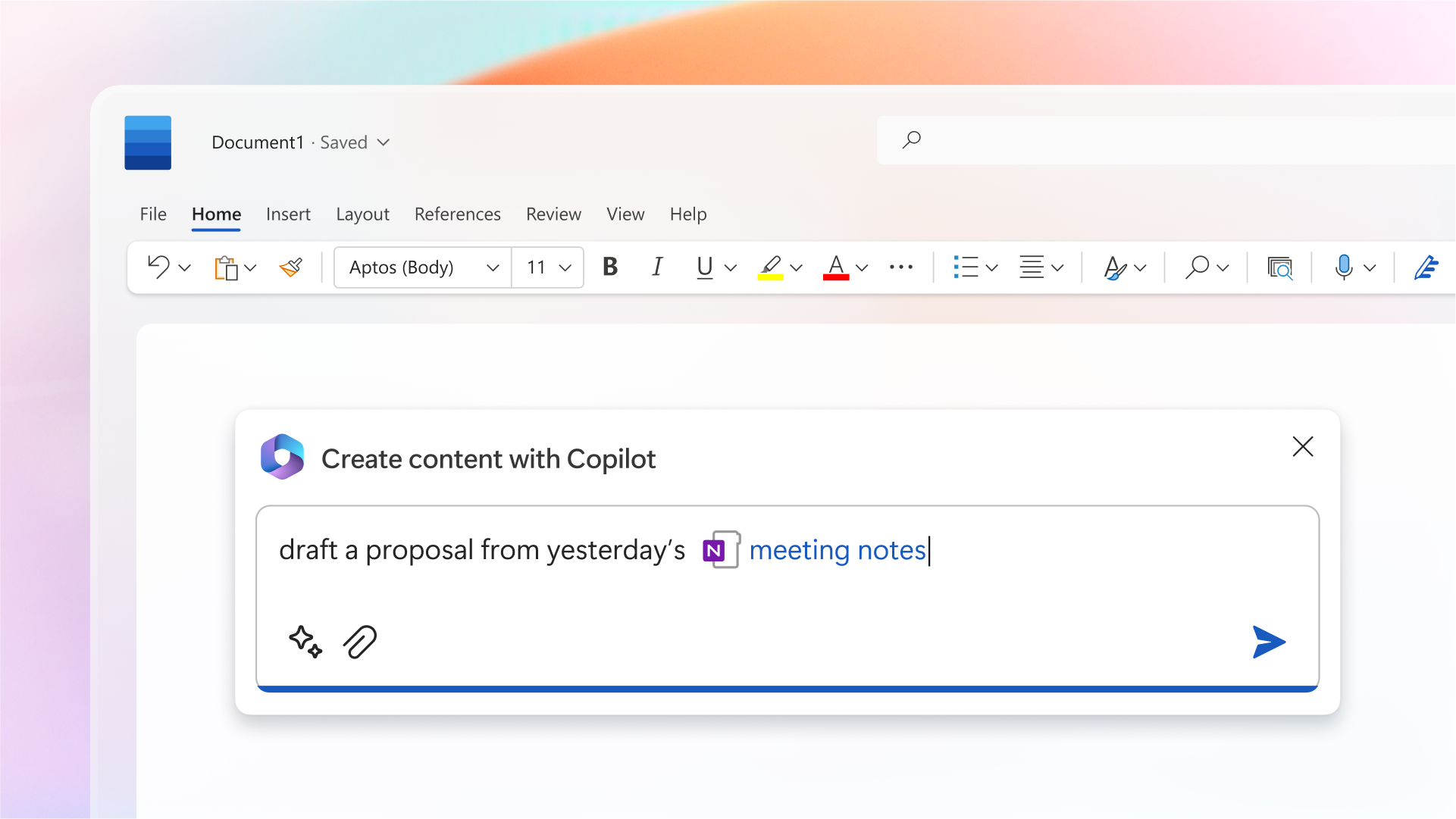
- In Word: Draft reports from existing documents; summarize long content.
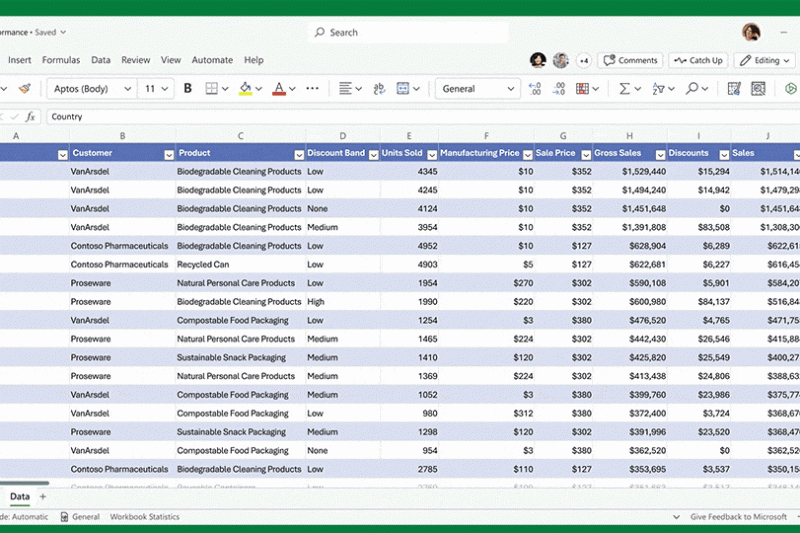
- In Excel: Analyze datasets; suggest formulas; spot trends.
- In Outlook: Summarize lengthy email threads; draft replies.

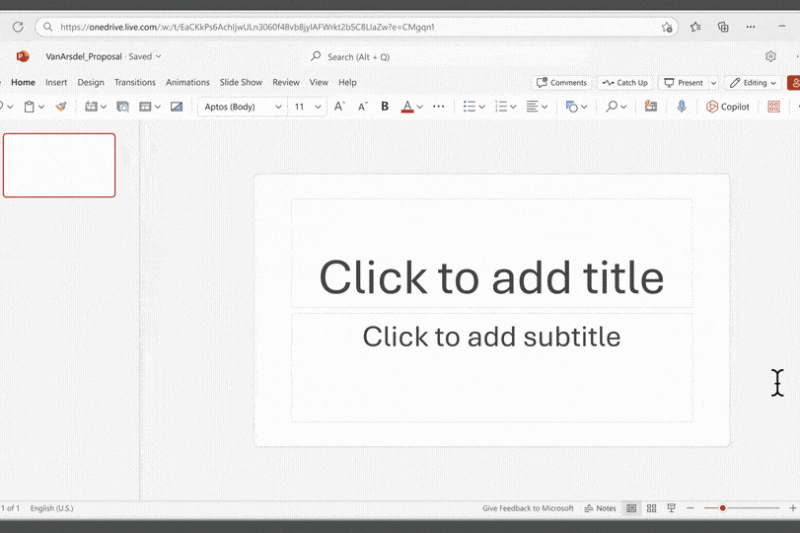
- In PowerPoint: Build presentations directly from a Word document.
- In Teams: Generate meeting notes; extract action items.
According to Forrester's 2024 Total Economic Impact study, Copilot users save an average of 14 hours per week on routine tasks.
How Much Does Microsoft 365 Copilot Cost?
Microsoft 365 Copilot is priced at approximately USD 30 per user per month in Turkey (as of March 2026). It is sold as an add-on to a Microsoft 365 E3, E5, Business Standard, or Business Premium subscription. For a 100-person organization, the annual cost is roughly USD 36,000. Most enterprises see ROI within 3-6 months through measurable employee time savings.
Prerequisites for a Successful Copilot Deployment
To run Copilot safely and effectively, five conditions must be met:
- Eligible licensing: Microsoft 365 E3, E5, Business Standard, or Business Premium subscription is mandatory.
- Entra ID (Azure AD) hygiene: All user accounts must be managed in Entra ID with multi-factor authentication and conditional access policies enforced.
- Data classification and sensitivity labels: Confidential, personal, or regulated content must be labeled using Microsoft Purview Information Protection. Without classification, Copilot may inadvertently surface sensitive data in its responses.
- SharePoint and OneDrive permission cleanup: Loose permissions like "Everyone" or "All Users" must be remediated. Copilot draws context from every document the user can access — if your permissions are too broad, employees may obtain information they shouldn't see through Copilot.
- Governance and training: Acceptable use policy (allowed prompt types, sharing rules), audit logging, and end-user training program.
Copilot, Data Security, and GDPR/KVKK Compliance
Microsoft contractually guarantees that Copilot prompts and responses are not used to train its models (Microsoft Customer Data Protection terms). Data stays within your Microsoft 365 tenant boundary, and existing Data Loss Prevention (DLP) policies apply to Copilot output as well.
However, additional steps are required for GDPR and Turkish KVKK compliance:
- Document Copilot use in your VERBIS data inventory (Turkey).
- Inform employees about Copilot use and the lawful basis for processing.
- Retain Copilot interactions in audit logs in a format that can be presented to data protection authorities.
- Update processor agreements when third-party customer or supplier data may flow through Copilot.
From Pilot to Rollout: A 90-Day Roadmap
| Week | Phase | Action |
|---|
| 1-2 | Preparation | License procurement, Entra ID audit, permission scan |
| 3-4 | Pilot | 10-20 user pilot group, defined success metrics |
| 5-8 | Data Governance | Sensitivity labels, DLP policies, permission remediation |
| 9-10 | Training | User guide, workshops, FAQ |
| 11-12 | Rollout | Organization-wide enablement, usage analytics, feedback loop |
Frequently Asked Questions
Does Copilot use our data to train OpenAI or Microsoft's general models?
No. Microsoft contractually commits that enterprise Copilot prompts and responses are never used for model training.
Does Copilot work in Turkish?
Yes. Copilot generates responses in 40+ languages including Turkish. Turkish grammar and business terminology performance is strong.
Is Microsoft 365 Business Basic enough for Copilot?
No. Business Basic is not eligible. You need at least Business Standard or E3.
Will Copilot work with our on-premises Exchange or SharePoint Server?
No. Copilot depends on Microsoft 365 cloud services. On-premises systems need to migrate to the cloud first.
How long does a typical Copilot deployment take?
With strong existing identity and permission hygiene, a 90-day rollout is realistic. Organizations with technical debt in Entra ID or SharePoint typically need 4-6 months for proper preparation.
Conclusion and Next Step
Microsoft 365 Copilot delivers tangible business value when it runs on top of well-prepared infrastructure. But misconfigured permissions, outdated data classification, or missing governance can turn your Copilot investment into a security liability.
As a Microsoft Partner, Xen Bilişim provides Copilot readiness assessments, permission cleanup, sensitivity labeling, KVKK/GDPR compliance documentation, and end-user training packages — so your organization adopts Copilot from a position of confidence and control.
Contact us for a quote →
Image credits: Microsoft Press / news.microsoft.com — used for editorial reporting.
Tags: Microsoft 365 Copilot, Artificial Intelligence, GDPR, Data Security, IT Consulting, Microsoft Partner, Cloud Computing
 Phone: 0850 259 5949