
Is RDP Open to the Internet at Your Office? A Five-Minute Check
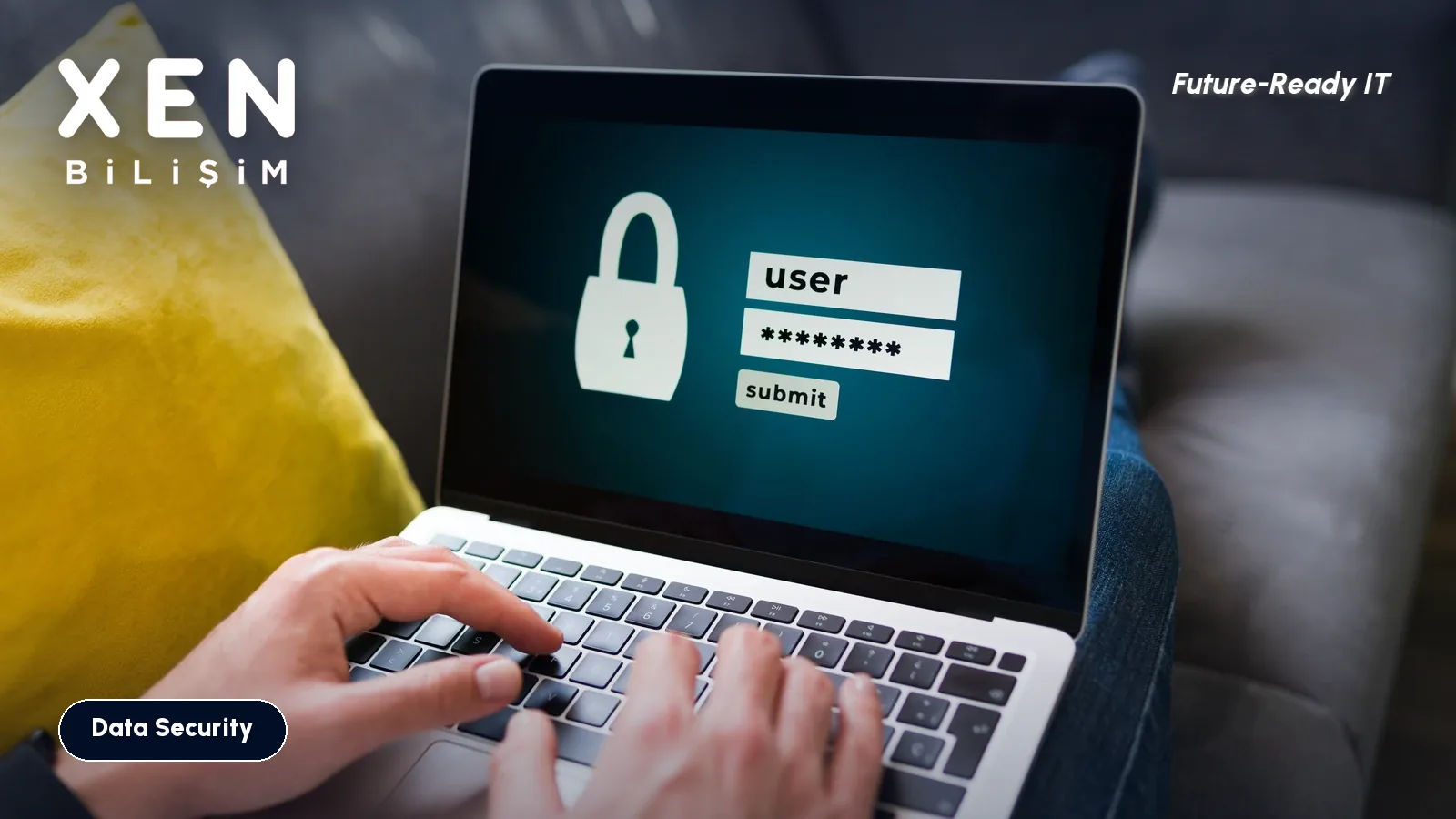
Does your company have an open door on port 3389 that anyone on the internet can knock on? Most firms honestly do not know. A rule created three years ago so the accountant could “check something from home” may still be sitting in the firewall, and nobody has thought about it since.
Here is how to see that rule from the outside, and what to do if you find it. The check takes about five minutes.
Why is RDP still the first door attackers try?
RDP is the Windows Remote Desktop protocol, and by default it listens on TCP port 3389. The #StopRansomware guide from CISA, the US cybersecurity agency, and its partners says attackers often get into a network through exposed and poorly secured remote services. Its advice: audit where RDP is used, close the ports you do not need, set an account lockout threshold, and require multifactor authentication. CISA advisories on LockBit and MedusaLocker also list RDP abuse among the ways in.
The logic is simple. If the port is visible from the internet, bots find it within hours and start guessing usernames and passwords. One guessed password is a full desktop session on your server.
How do you check from the outside?
Do it from outside the office. From inside, the port always looks open.
- Find the office public IP. Open a browser on any office PC and search “what is my IP”. If you have more than one internet line, repeat for each.
- Switch your phone to mobile data, off the office Wi-Fi. Same network means a misleading result.
- Query port 3389 on an online port-check site. The more technical way, from a Windows PC outside the office:
Test-NetConnection <office-ip> -Port 3389in PowerShell. If you seeTcpTestSucceeded : True, the port is open. - Try other ports too. Admins like to move RDP to 3390, 33890 or something in the 5000s “for safety”. That is not security, just a door that takes a little longer to find. Scanners walk every port.
Then look from the inside, in the firewall. In the port forwarding (NAT), virtual IP or “virtual server” section, any entry that points to 3389 is a suspect. Sophos, Fortinet, MikroTik or the modem your ISP supplied, the rule is written down somewhere.
What if the port is open?
Find out who uses it before you close it. Otherwise you spend Monday morning with an accounting team that “cannot connect”. On the server, open Event Viewer and the Security log: event 4624 with logon type 10 is a successful Remote Desktop sign-in, and 4625 is a failed one. If you see hundreds of 4625 entries a day from outside, the guessing is already going on.
Then replace the rule. The options:
| Option | What it does | Watch out for |
|---|---|---|
| Put it behind a VPN | RDP is reachable only after the VPN connects | The VPN account needs multifactor authentication too |
| Restrict the source | The rule only accepts connections from specific IPs | Impractical when people work from homes without a fixed IP |
| Remote Desktop gateway | One controlled, monitored entry point | Needs setup and certificate management |
| Cloud-based access (for example Azure Virtual Desktop or Entra application proxy) | The server is never exposed to the internet | Licence and setup cost |
For an office of up to twenty users, the VPN on the firewall is usually the quickest path. Close the rule, have people connect to the VPN first, then to the server. It is an hour of work.
After you close it
Closing the port is not enough if it has been open for years, because someone may already have been inside. Check these:
- Are there local administrator accounts on the server you do not recognise?
- Are there scheduled tasks or startup entries you cannot explain?
- Does the server run endpoint protection (EDR), or is it on the “we’ll get to it” list?
- Can the backups be deleted from the network? Ransomware looks for them first.
- Have you changed the passwords of every user who had outside access?
For RDP inside the network, keep Network Level Authentication on and set an account lockout policy. Fifteen minutes of lockout after five bad attempts slows brute-forcing down a great deal.
Questions people ask
Does moving RDP to another port help? It delays scanners by a few minutes, nothing more. The service is still open and the same password guessing continues.
My password is long and complex. Is there still a risk? Yes. A password you reused on another site may already be in an attacker’s list from a breach. Nothing exposed to the internet is safe without multifactor authentication.
Can I check this myself? The outside port test and the firewall rule review need no specialist. Log analysis and building the replacement setup are work for your IT person or your managed IT provider.
If you would like a second pair of eyes on how your office looks from outside, get in touch.
Related Posts
Should Employees Have Local Admin Rights? A Plan to Remove Them
When every user is a local administrator, ransomware has an easy job. How to find who really needs elevated rights and finish the switch in six weeks.
Read more: Should Employees Have Local Admin Rights? A Plan to Remove Them
Company Laptop Stolen: Was BitLocker On? How to Check Every Device
A stolen laptop costs less than the data inside it. How to check whether each disk is encrypted, where the recovery key lives, and the KVKK angle.
Read more: Company Laptop Stolen: Was BitLocker On? How to Check Every Device
Employee Offboarding: Which IT Accounts to Close, and in What Order
The employee has left, but their mailbox, VPN, cloud panels and shared passwords are still live. The order we use to cut access without losing data.
Read more: Employee Offboarding: Which IT Accounts to Close, and in What Order