
Patch Management for SMBs: The 2026 Guide
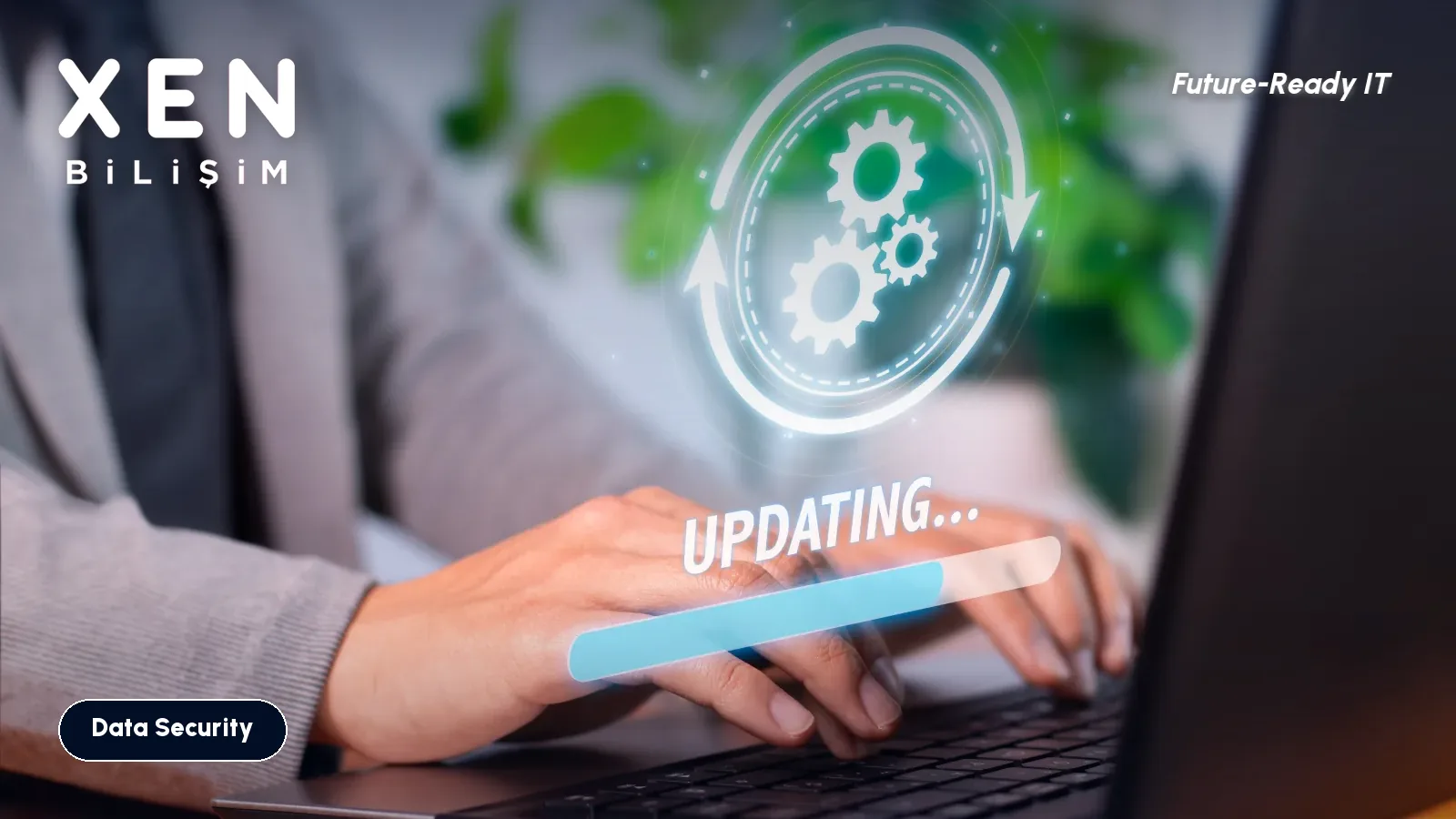
Last month a client’s accounting PC was locked up by ransomware. The entry point was neither a brilliant hacker nor an unknown zero-day — it was an eight-month-old Windows update that never got installed. Patch management is the process of applying security updates to every device and application in your environment in a regular, auditable, on-time way. In 25 years of field work, the most expensive breaches I’ve seen almost always started with a “we’ll do it later” deferral on a patch.
What is patch management, and why isn’t it just “click Update”?
Patch management is: detect missing updates, prioritise them, test them, deploy them, report on the result. On a single PC, “Windows Update” is one button. When you’ve got 25 PCs, 3 servers, Microsoft 365 apps, browsers, PDF readers and the accounting software all together, it stops being a button. For a home user, an update is a button; for an organisation, it’s a process.
Why are SMBs such easy targets?
Attackers no longer pick targets one by one — they automatically scan the internet for unpatched, exposed systems. Three reasons SMBs get hit:
- No visibility: nobody knows which device is missing which update.
- No owner: “everyone’s job” updates become nobody’s job.
- Deferral culture: “if it works, don’t touch it” leaves a door open for months.
The real cost of a missed patch
For a typical 25-person SMB:
| Scenario | Cost |
|---|---|
| Ransomware downtime, no patches | 5–10 work days lost across the team + ~5,000 USD recovery |
| Data loss + customer impact | 20,000–50,000+ USD reputational + remediation |
| Healthy patch management programme | ~150–300 USD/month tooling + 4 hours/month team |
A well-run patch programme costs an order of magnitude less than a single incident.
What gets patched
Most SMBs underestimate the scope:
- Operating systems: Windows (workstations, servers), macOS.
- Office productivity: Microsoft 365 apps, Adobe Acrobat, browsers.
- Browsers: Chrome, Edge, Firefox (auto-update, but verify).
- Endpoint security: AV/EDR engine and signature updates.
- Drivers & firmware: BIOS, networking, printers (often ignored, regularly exploited).
- Line-of-business apps: accounting, ERP, CRM, industry tools.
- Network devices: firewall, switches, Wi-Fi controllers (the most-missed category).
A 30-day patch programme for a 25-person SMB
Days 1–7 — Inventory and baseline. Pull a list of every endpoint and server. Identify what’s missing for each. Tools: Microsoft Intune (built into Business Premium), PDQ Inventory, ManageEngine Patch Manager, NinjaOne, Action1.
Days 8–14 — Prioritise. Use CVSS scores + active-exploit threat intelligence. Critical / Important first, on monthly Patch Tuesday cadence. CVEs known to be exploited in the wild: same-week.
Days 15–21 — Test ring + rollout. Pilot ring (5 PCs + 1 server) gets the patch first. If no regressions in 48 hours, broad rollout starts.
Days 22–30 — Report and audit. Monthly report: compliance %, missing critical patches, oldest unpatched device. KVKK / ISO 27001 / cyber insurance want this report — better to have it ready.
A simple monthly cadence
| Week | Action |
|---|---|
| Week 1 (after Patch Tuesday) | Run inventory, identify new patches |
| Week 2 | Pilot ring + critical patches to full estate |
| Week 3 | Standard rollout to remaining devices |
| Week 4 | Compliance report + exception management |
Frequently asked questions
Can we just enable “automatic updates”? For consumer Windows, yes. For business: no — uncontrolled updates can break line-of-business apps. The point of a pilot ring is to catch regressions before they hit production.
Microsoft 365 Business Premium includes Intune — is that enough? Yes for workstations and mobile devices. For servers you’ll want a separate tool (Microsoft Configuration Manager, third-party like NinjaOne).
What about the third-party apps (Adobe, Chrome, our accounting software)? Intune covers Microsoft + a curated catalogue. For broader third-party patching, use a dedicated tool or extend Intune with Patch My PC.
How long can we safely defer a non-critical patch? At the latest, the next monthly cycle. Don’t accumulate.
Bottom line
Patch management is the boring, unglamorous foundation that prevents the dramatic incidents. The cost is low, the discipline is high, and the payoff is everything you don’t notice. For a free patch audit of your current estate and a 30-day programme proposal, contact us.
Related Posts
Should Employees Have Local Admin Rights? A Plan to Remove Them
When every user is a local administrator, ransomware has an easy job. How to find who really needs elevated rights and finish the switch in six weeks.
Read more: Should Employees Have Local Admin Rights? A Plan to Remove Them
Company Laptop Stolen: Was BitLocker On? How to Check Every Device
A stolen laptop costs less than the data inside it. How to check whether each disk is encrypted, where the recovery key lives, and the KVKK angle.
Read more: Company Laptop Stolen: Was BitLocker On? How to Check Every Device
Employee Offboarding: Which IT Accounts to Close, and in What Order
The employee has left, but their mailbox, VPN, cloud panels and shared passwords are still live. The order we use to cut access without losing data.
Read more: Employee Offboarding: Which IT Accounts to Close, and in What Order