
What Happens to Servers and Switches in a Power Cut? UPS Sizing and Care
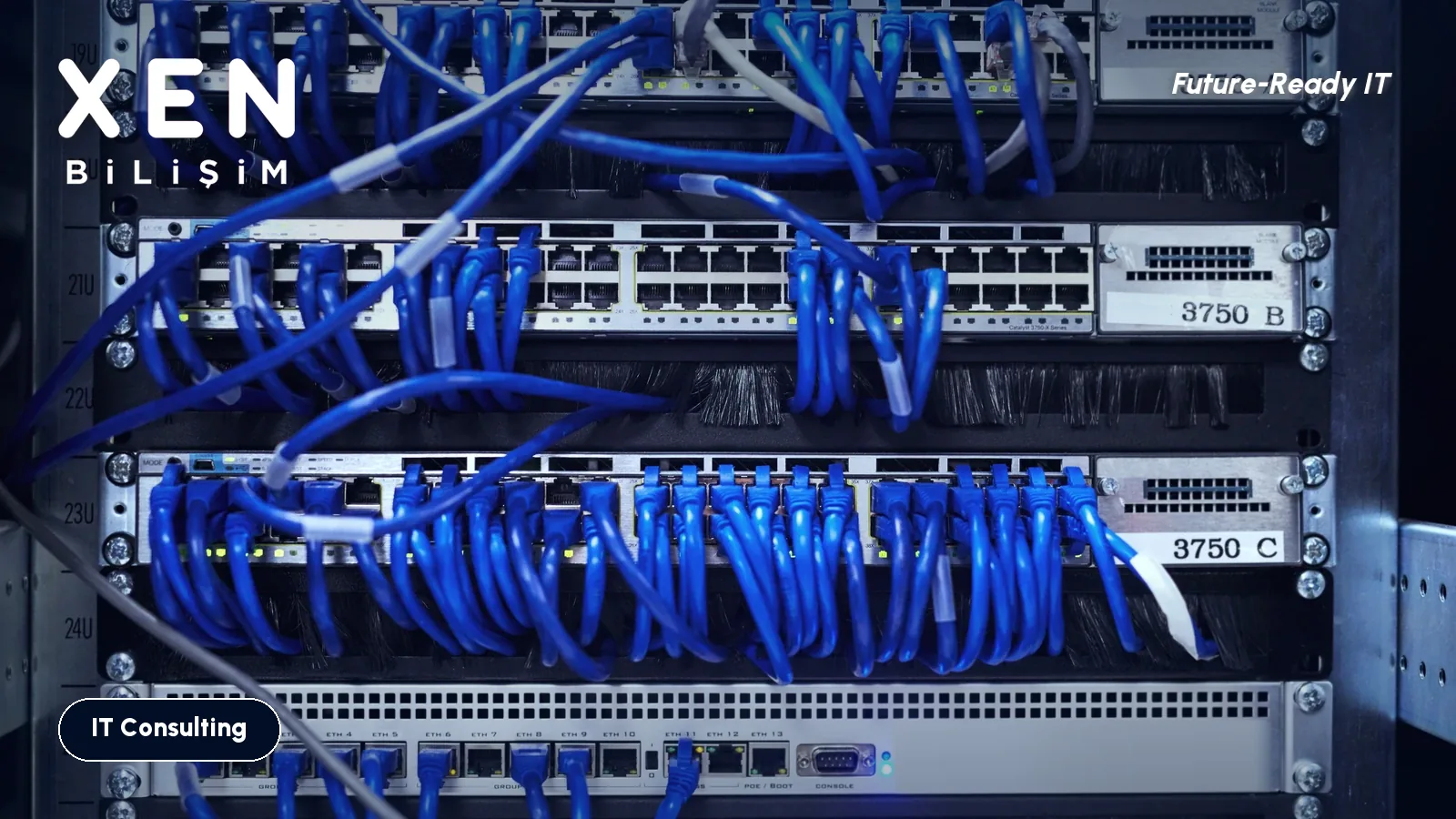
The power dropped for a second and came back. Lights flickered, desktops rebooted, everyone looked briefly annoyed. The real question is in the server room. What did the database, the NAS or the virtualization host go through in that second?
Most of the time the answer is “nothing”. Sometimes it is a half-written database file, a virtual machine that will not start, or a disk array with a damaged volume. The difference usually comes down to a small box in the rack, the UPS, and whether anyone has looked after it.
Which UPS type fits which room?
There are three basic types, and the price gap between them is real.
| Type | How it works | Where it fits |
|---|---|---|
| Standby (offline) | Passes mains power straight through and switches to battery when it fails. Transfer takes a few milliseconds. | A single desktop, a very small office |
| Line-interactive | Corrects voltage swings without touching the battery, switches over on an outage. | Small server, NAS, switches, most office racks |
| Online (double conversion) | Feeds the load from the inverter all the time, so there is no direct path from mains to equipment. | One critical server, unstable mains, production sites |
If you sit in an industrial zone or an old building where voltage moves around a lot, online is the safer choice. In a clean city building with a handful of devices in the rack, line-interactive is usually enough. Vendors of online units claim better battery life. Treat that as a vendor claim until you have measured your own site.
How do you size it?
A UPS label shows two numbers, VA and watts. Your devices draw watts, while the big number on the box is VA. They are not the same. Watts equal VA multiplied by the power factor, and that varies by model. Do the math from the watt figure in the datasheet.
- Add up the real draw of every protected device from its label or management screen: server, NAS, switches, firewall, modem.
- Compare the total with the UPS watt rating. I like to keep the load under roughly 70 percent of capacity. A unit running near 100 percent wears out the batteries and itself.
- Read the manufacturer’s runtime chart. Typically you get something like ten minutes at half load and two at full load.
People misread runtime all the time. A UPS is there to buy you time to shut things down cleanly, not to ride out the outage. Five to ten minutes is enough for most offices. A thirty-minute cut is a job for a generator.
Is automatic shutdown configured?
This is the item people skip most. The UPS has to tell the server, over USB or a network card, that the power is gone and the battery is at 30 percent. If the server is not set up to shut itself down on that message, it runs until the battery dies and then drops hard. Those five minutes were worth nothing.
Check three things:
- Is the UPS management software installed on the server, or does the server and NAS listen to the network card?
- Is a shutdown threshold defined, for example at 20 percent battery or two minutes remaining?
- If you run a virtualization host, does it stop the virtual machines first and then itself?
Setting it once is not enough either. A server replacement or a software update can quietly break it.
When do the batteries go?
Sealed lead-acid (VRLA) batteries typically last three to five years. Manufacturers quote that range and heat shortens it. In a room held at 20 to 25 degrees you can reasonably reach year four or five. If the server room goes past 30 degrees in summer, start watching the battery before year three.
A weak battery usually announces itself with a warning light or an occasional beep. In many offices someone has muted it and the rest learned to ignore it. That warning can mean the UPS will not carry the load when the power actually goes.
The yearly test
To learn in advance what you would rather not learn during a real outage:
- Keep the monthly automatic battery self-test switched on. Most models support it.
- Once a year, outside working hours, pull the mains input on purpose and run on real load. Does the server shut down cleanly? Does the runtime come anywhere near half of what the label says?
- After the test, do not leave the UPS off. Let the battery recharge.
Also review the rack itself. Do not plug a laser printer into the UPS output, because the current it draws at start-up can overload the unit. Do not daisy-chain power strips. Put the switch and the firewall on the UPS as well, since a server that stays up is useless if the network is gone.
Frequently asked questions
Is a UPS the same as a generator? No. A UPS switches over instantly but only for minutes. A generator supplies power for hours but can take about ten seconds to start. Larger sites use both.
Should desktop computers be on a UPS? Usually not. If employees keep their files in the cloud or on the server, a sudden shutdown of one PC is a small loss. Spend the money on the server, the network and other critical devices.
How do I find the battery health of my current UPS? The management screen or software shows battery health, remaining runtime and the date of the last test. If there is no such information, or no test was ever run, check the manufacturing date on the battery label.
If you do not know how much load your rack carries, how old the UPS is or whether the shutdown setting works, that is an audit job. Get in touch and we can go through the rack with you, on site or remotely.
Related Posts
Is It Time to Replace Your Server? Seven Signs to Check
Age alone does not decide it. Software support dates, warranty, disk health, backups and capacity tell you whether to replace the server, move to the cloud or safely wait another year.
Read more: Is It Time to Replace Your Server? Seven Signs to Check
IT Infrastructure Audit: What It Covers and What Turns Up in Week One
What an infrastructure audit actually looks at, from backups and admin accounts to servers nearing end of support, how long it takes, and how to rank the findings so the report leads to action instead of a drawer.
Read more: IT Infrastructure Audit: What It Covers and What Turns Up in Week One
Before the 2027 IT Budget: Which Products Lose Support, and When?
Office 2021 support closed on 13 October 2026 and Windows Server 2016 follows on 12 January 2027. The dates to check before budget talks, and ESU costs.
Read more: Before the 2027 IT Budget: Which Products Lose Support, and When?