
Is the NAS in Your Office Safe From Ransomware? Five Settings to Check
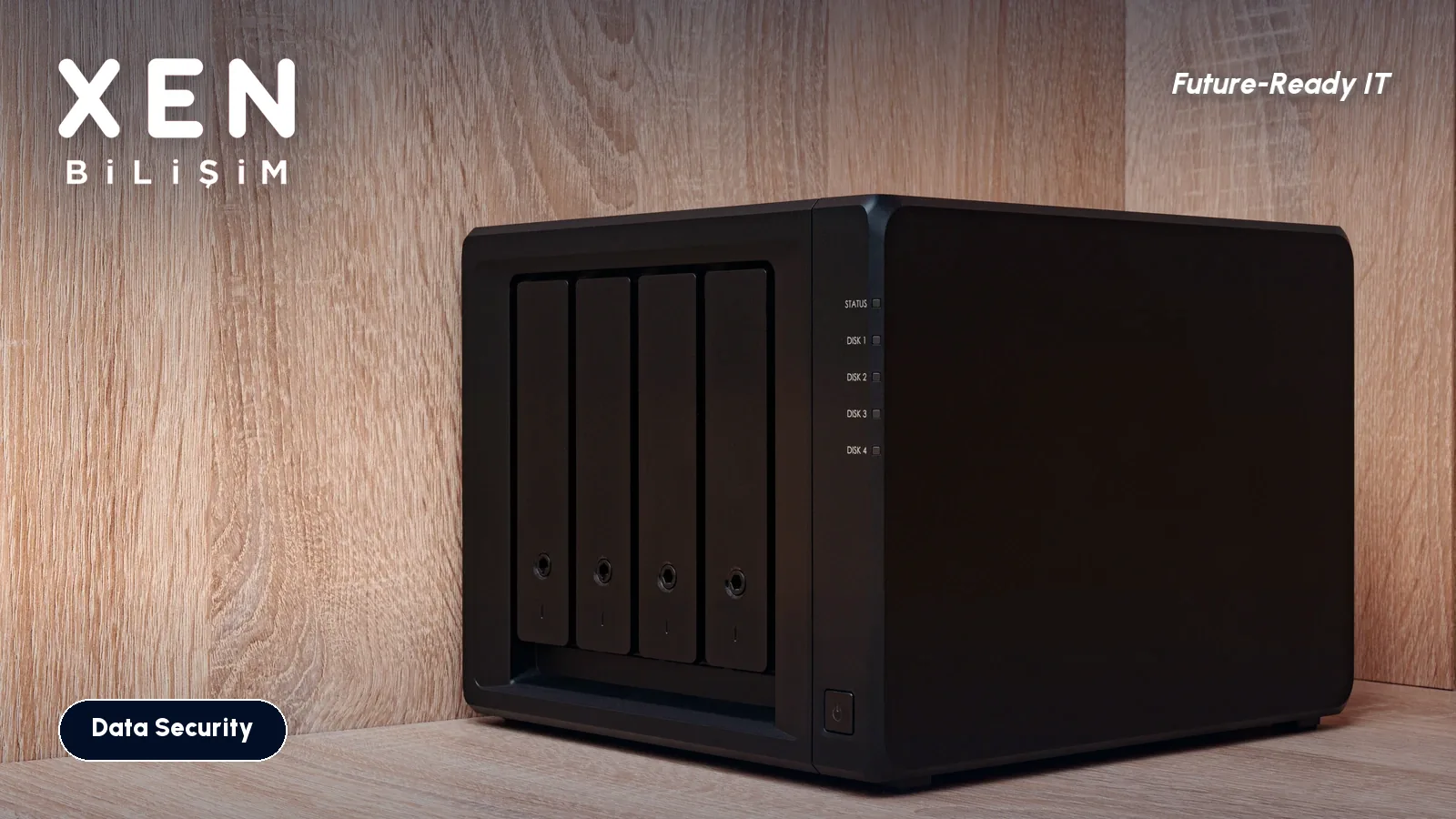
In a lot of offices the backup is a NAS box under a desk or in the server cabinet. The PCs copy to it overnight and everyone relaxes. When ransomware gets onto the network, though, that box behaves much like any other disk on it. Software that can write to a share can write to the backup folder.
So the question isn’t “do I have a backup?” It’s “can an attacker touch my backup?”
Why a NAS is a target
Two ways. First, the attacker gets in through some other door, finds an admin password and logs into the NAS as an administrator. Deleting backups is then a few clicks. Attackers often hunt for backups before they start encrypting, because a company with working backups doesn’t pay.
Second, the NAS itself gets attacked. In the 2022 DeadBolt campaign, a flaw in QNAP’s Photo Station (CVE-2022-27593) was used and thousands of devices were encrypted. The vendor’s advice for this kind of attack is to keep management ports off the internet, use a VPN for remote access and keep software up to date.
QNAP also says in its own blog that standard snapshots can be deleted if administrator credentials are compromised. A snapshot is often described as an undo button, but an administrator presses it. If the administrator is the attacker, so is the button.
Snapshot vs. immutable snapshot
| Protection | Can an admin delete it? | Note |
|---|---|---|
| Nightly folder-to-folder copy | Yes | Anything with write access can encrypt it |
| Standard snapshot | Yes | Fast rollback, but gone if the admin account falls |
| Locked snapshot (Synology “Lock”) | Manually, yes | Only stops automatic retention cleanup |
| Immutable (WORM) snapshot | Not until the period ends | Can’t be deleted even with the admin account |
| Off-site copy (cloud or second NAS) | Hard for an attacker on your network | Also covers fire, theft and flooding |
On Synology, immutable snapshots are enabled in the Snapshot Replication app. You need DSM 7.2 or later, the Btrfs file system and a model that supports the feature. The vendor recommends a protection period of 7 to 14 days. Until it ends, the snapshot can’t be removed by any means, and a shared folder holding immutable snapshots can’t be deleted either. Check your exact model first, because not every NAS supports it. On QNAP the equivalents are WORM folders and immutable snapshots.
There’s a limit. This protects the snapshot from deletion inside the device’s management interface. If the device is stolen, burns or loses its disk array, it doesn’t help. So it isn’t enough on its own.
Five settings
1. Don’t expose the management interface to the internet. If the router forwards a port to the NAS, remove it. Use a VPN when you need access from outside.
2. Retire the default “admin” account. Create a new administrator, give it a long password and turn on two-step verification. The account that runs the daily backup job shouldn’t be an administrator, only an account that can write to the backup folder.
3. Turn on immutable snapshots. Take hourly or daily snapshots of the backup folder and keep the protection period at 7 days or more. Ransomware often goes unnoticed for days. If the period is shorter than that, the clean version may be gone too.
4. Keep the software current. Update the NAS operating system and its packages (photo, file sharing, remote access apps) when a security patch ships, not once a year. In the DeadBolt case the flaw was in an app running on the NAS. Remove packages you don’t use.
5. Keep one copy off your network. A copy that goes to cloud storage or a device at another site is a copy an attacker on your network can’t reach. We covered the 3-2-1-1-0 strategy separately.
A setting isn’t done until you’ve restored from it
After configuring, pick one folder, restore it from a snapshot and open the file. Seeing a snapshot being taken doesn’t prove you can go back. We wrote up restore testing separately.
FAQ
Is antivirus on the NAS enough?
No. Antivirus helps catch malware on the PCs that write to the NAS, but an attacker holding a stolen admin account can delete backups without any malware. Account security and immutable snapshots do what antivirus can’t.
How long does a snapshot rollback take?
A rollback reverts to an earlier state instead of copying files, so it usually takes minutes. Data volume, disk speed and model all matter. Only a test on your own device tells you the real number.
If ransomware is active, should I power the NAS off?
Disconnect it from the network first and think about the power button later. The vendor also recommends disconnecting from the internet before recovery. Without a valid snapshot, files encrypted by ransomware generally can’t be opened without the key, so the first minutes are about keeping snapshots from being deleted.
Want to check whether your NAS backups can be deleted with an admin account? Get in touch.
Related Posts
A Sign-In Approval at 3 A.M.: How MFA Fatigue Attacks Work
An attacker with your password can bury your phone in approval prompts until someone taps Approve. How MFA fatigue works, why number matching helps, what to switch on, and what to tell your staff to do.
Read more: A Sign-In Approval at 3 A.M.: How MFA Fatigue Attacks Work
Employee Loses a Phone: What Happens to Company Email? First 30 Minutes
What you do in the first half hour after a phone goes missing decides the outcome: kill email sessions, move the second sign-in factor to a new device, and wipe company data only. Here is the order, plus what to set up beforehand.
Read more: Employee Loses a Phone: What Happens to Company Email? First 30 Minutes
Is RDP Open to the Internet at Your Office? A Five-Minute Check
A port forwarding rule for Remote Desktop on 3389 is one of the best-known ways ransomware gets in. How to see your office from the outside, what to do if the port is open, and what to put in its place.
Read more: Is RDP Open to the Internet at Your Office? A Five-Minute Check